
1) Physical installation
1) Unscrew the sensor, and remove any plastic inside of it
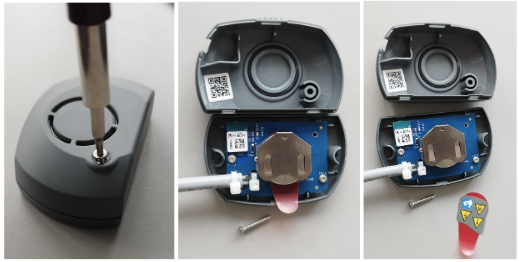
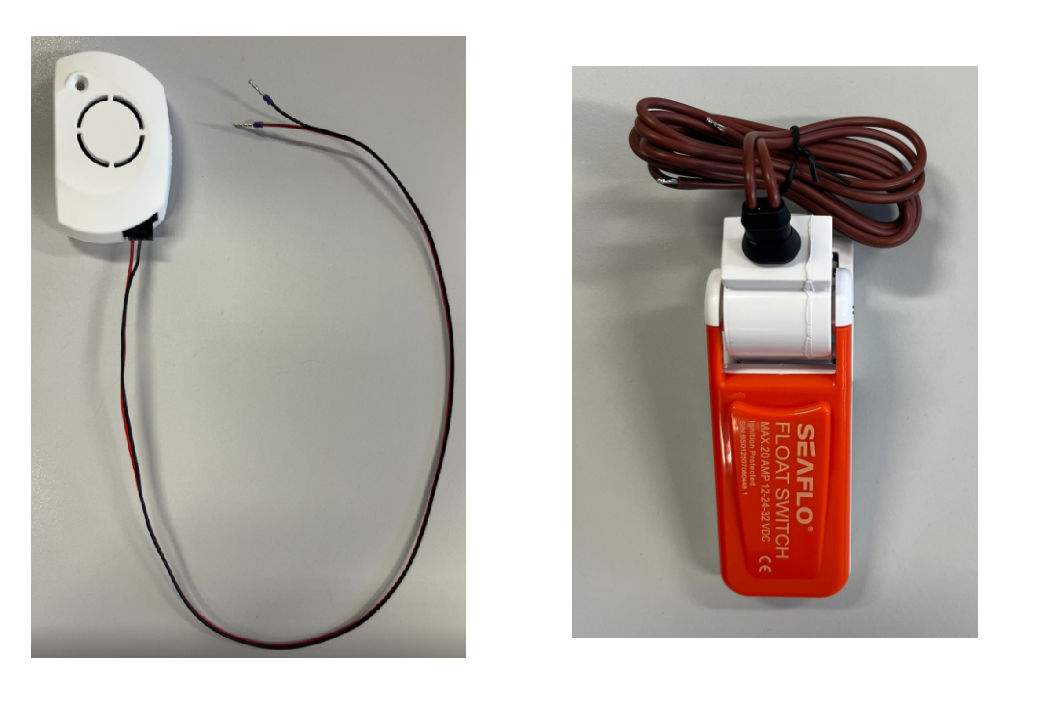
2) CAT sensor comes with a wire. Connect the wire to the Bilge pump.
 |
2) Pairing the sensor with the Boat Monitor in the mobile app
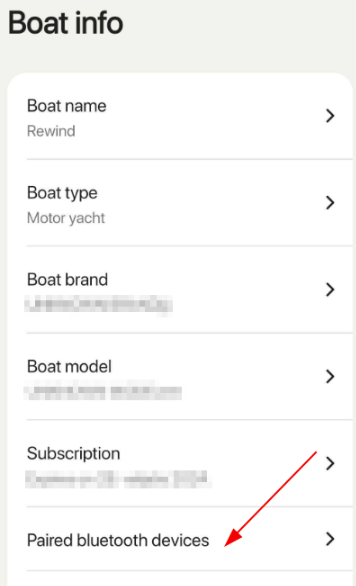
1) Click "More" -> "Boat Profile" -> "Paired bluetooth devices"
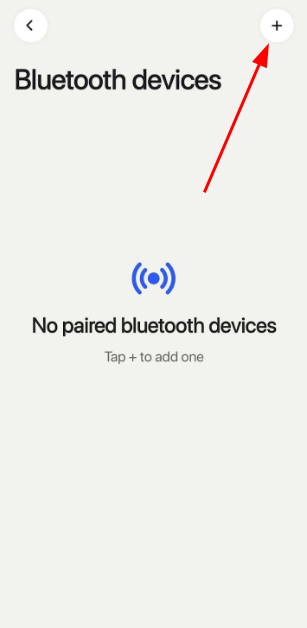
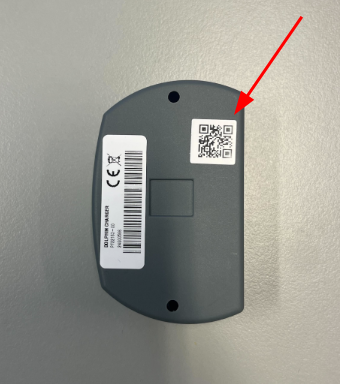
2) Click "+" (top right corner) and scan QR code on the back side of the sensor.
3) Choose a profile
4) Wait for pairing operation to finish. Once completed, you should be able to see your new sensor in your Sensors tab in the app.
 |  |  |