
1) Physical installation
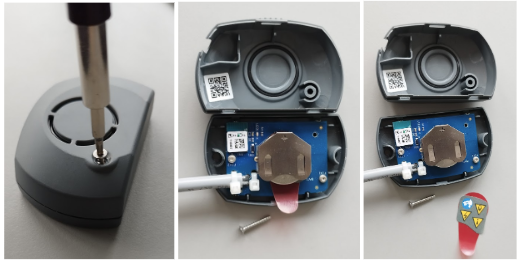
1) Unscrew the sensor, and remove the red plastic
2) Install the sensor onboard
2) Pairing the sensor with the Boat Monitor in the mobile app
1) Click "More" -> "Boat Profile"
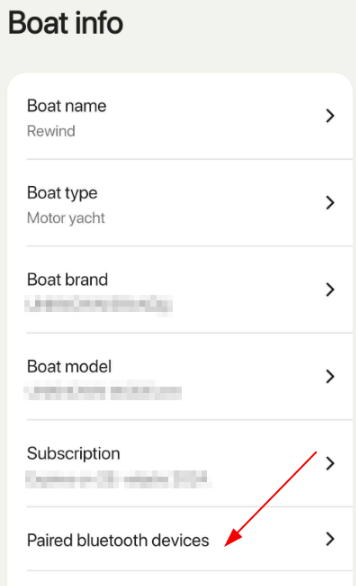
2) Click "Paired bluetooth devices"
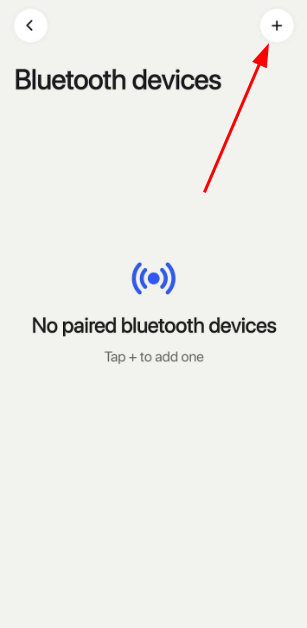
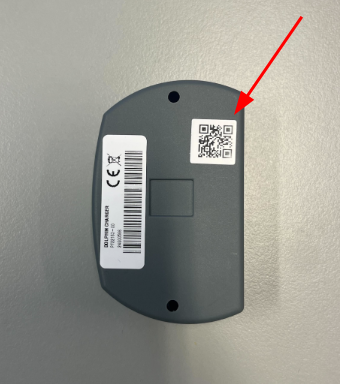
3) Click + (top right corner) and scan QR code on the back side of the magnetic sensor.
4) Scan the QR code on the Shore sensor
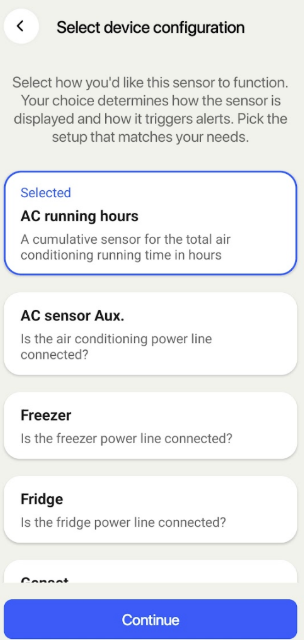
5) Choose profile "AC running hours"
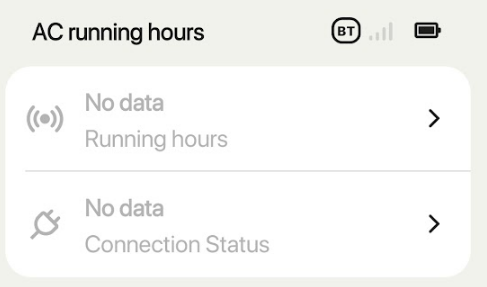
6) Wait for pairing operation to finish. Once completed, you should be able to see Shore sensor in your Sensors tab in the app. (AC running hours)
 |  |  |
 |  |